Features
Everything you need. Nothing you do not.
Thought through, tested, no small print. Scroll your way through the app – one feature after another.
Showing up
What turns a chat into a meeting
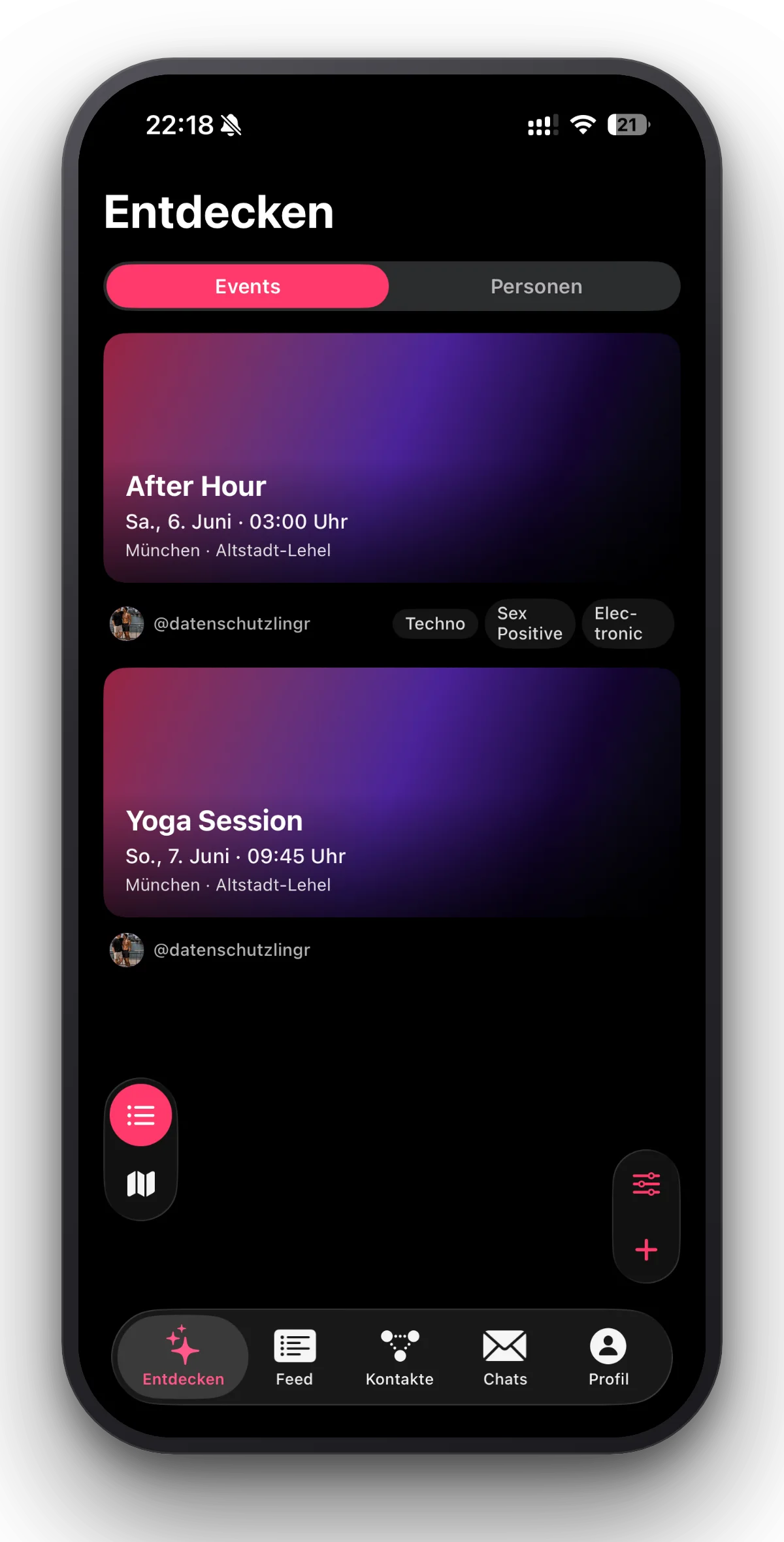
- Events
- Public for everyone or private by invitation. Sign-ups, applications, a group chat and a photo album per event.
- Locations
- Curated queer bars, clubs and meeting points with opening hours, distance and a way to report wrong details.
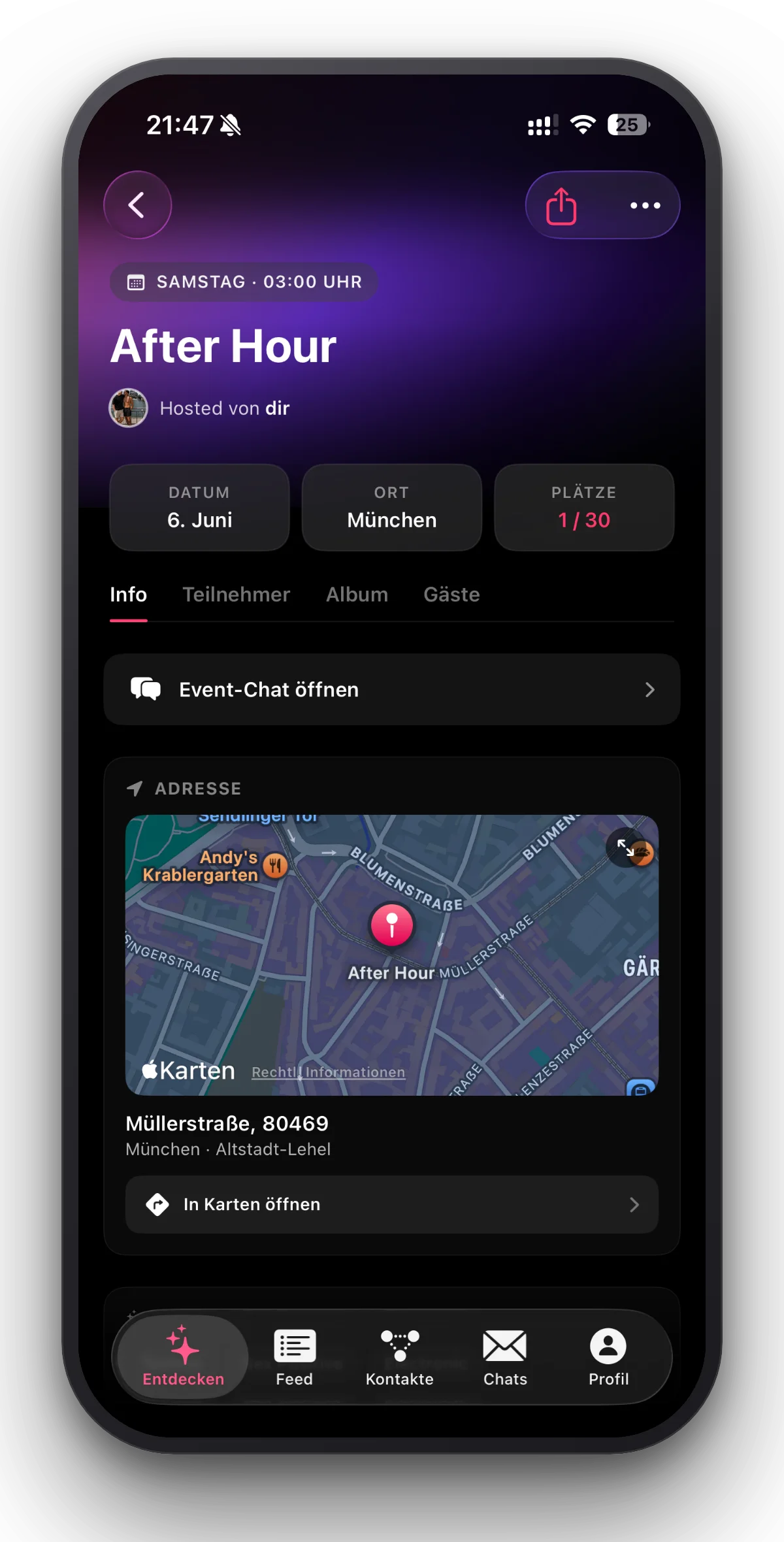
- Check-in
- Check in on site – only possible nearby. Only others checked in see names, deleted after 48 hours.
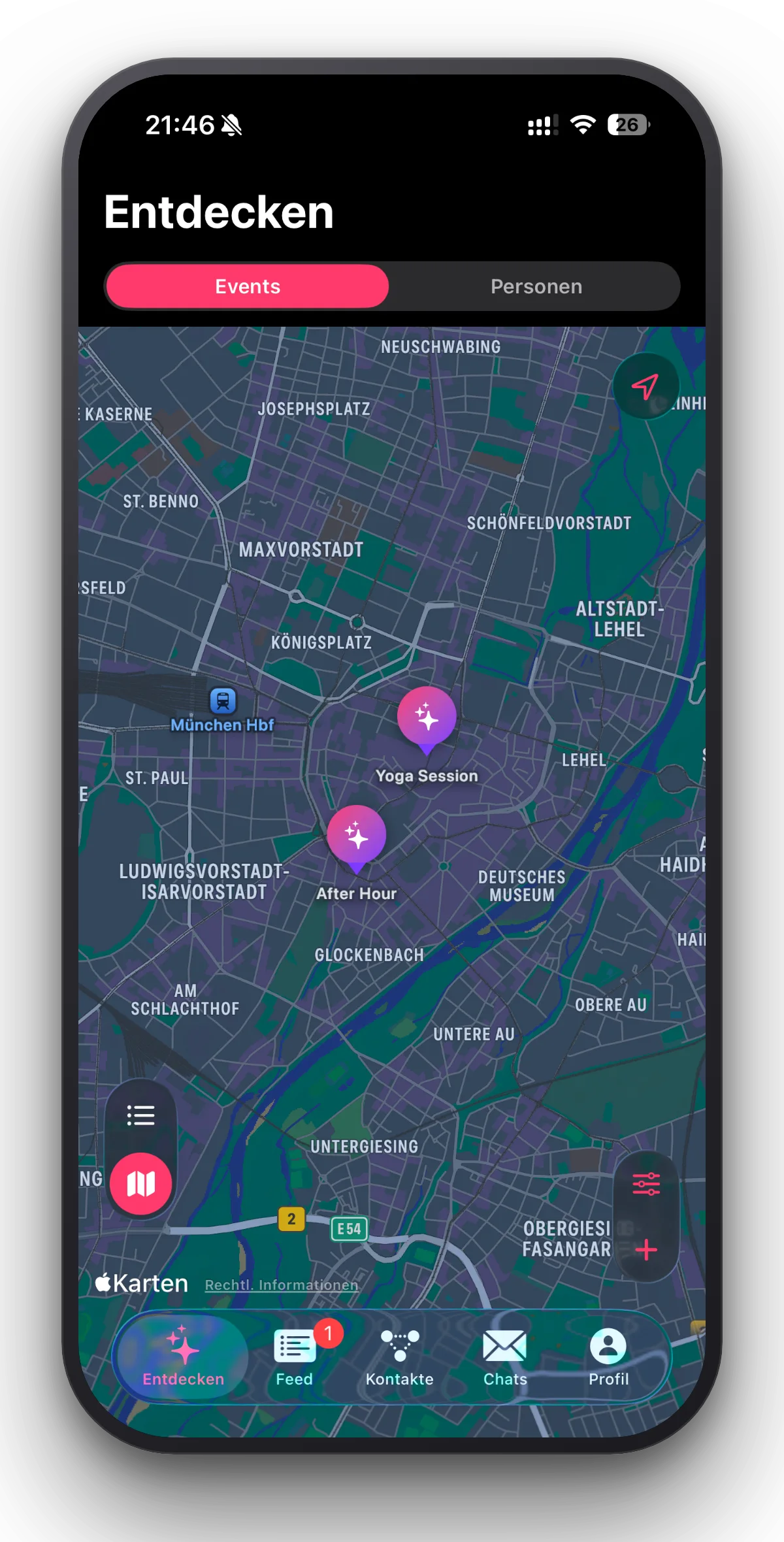
- Map or list
- Events and locations come in both views. The distance is on every row, and you can sort by proximity or date.
Events: public for everyone or private by invitation.
Locations: curated bars, clubs and meeting points in your city.
Check-in: the slider inside the event – only possible nearby.
Map or list: the same events. The padlock means private.
Out safely
What lets you go at all
- Safe-Meet
- You tell a trusted contact you chose in advance that you are meeting another user. Your trusted contact only learns the location and the name of that user if you do not check back to say everything is fine.
- Trusted contacts
- People picked from your connections whom you can select for a Safe-Meet. If an emergency happens, they can help you.
- Authenticity status
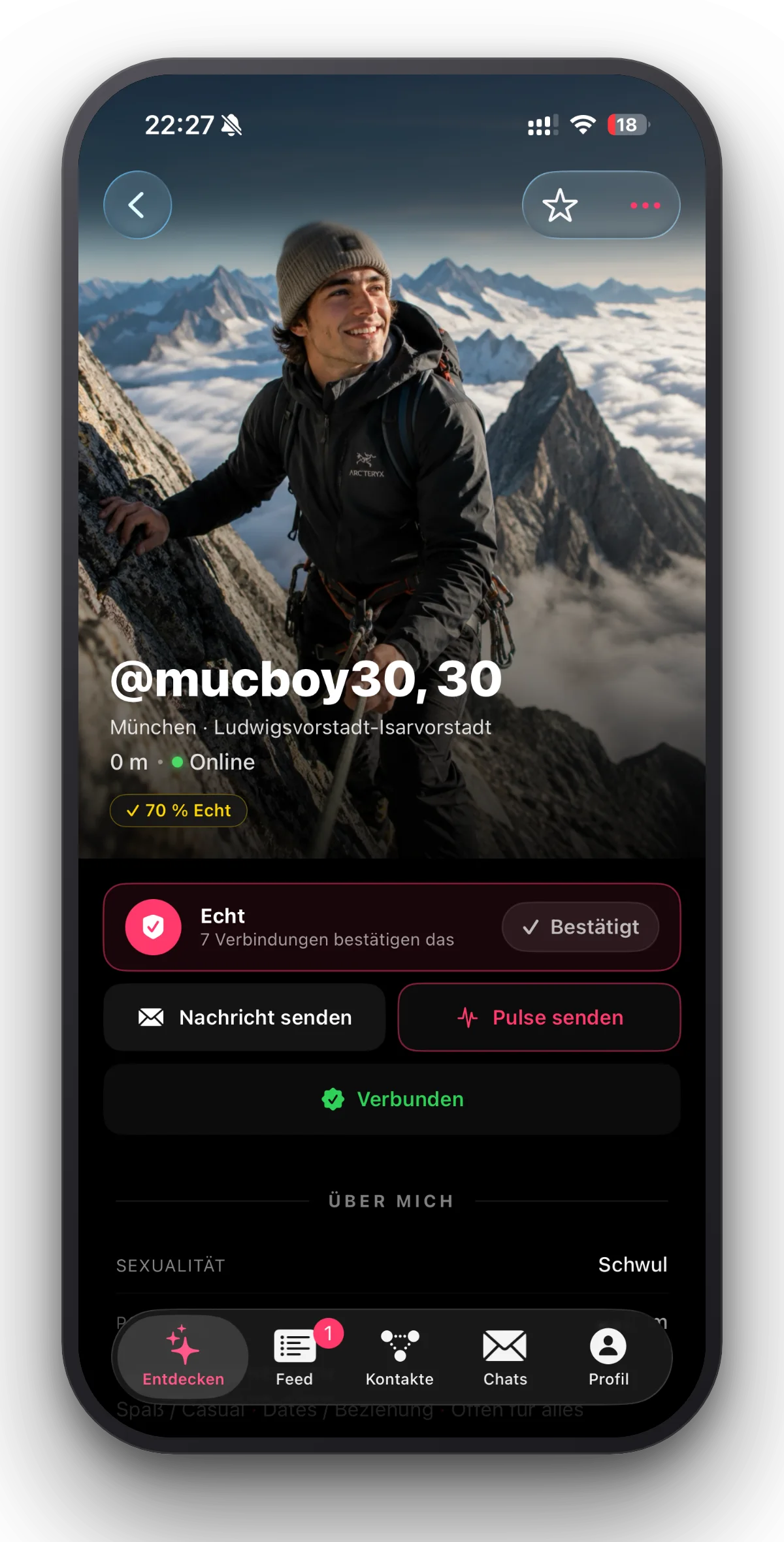
- People you are connected to confirm that a profile is real. Reaching 100 per cent takes at least 10 confirmations.
- Reporting and blocking
- Effective in both directions: anyone blocked cannot write, cannot invite and cannot request a connection.
Safe-Meet: time left, “All good” – and the emergency button.
Trusted contacts: only when the check-back fails do they learn the details.
Authenticity status: 10 per cent per confirmation, from people you are connected to.
Reporting and blocking: every report is checked by a human, blocking comes along with it.
Finding people
The way there
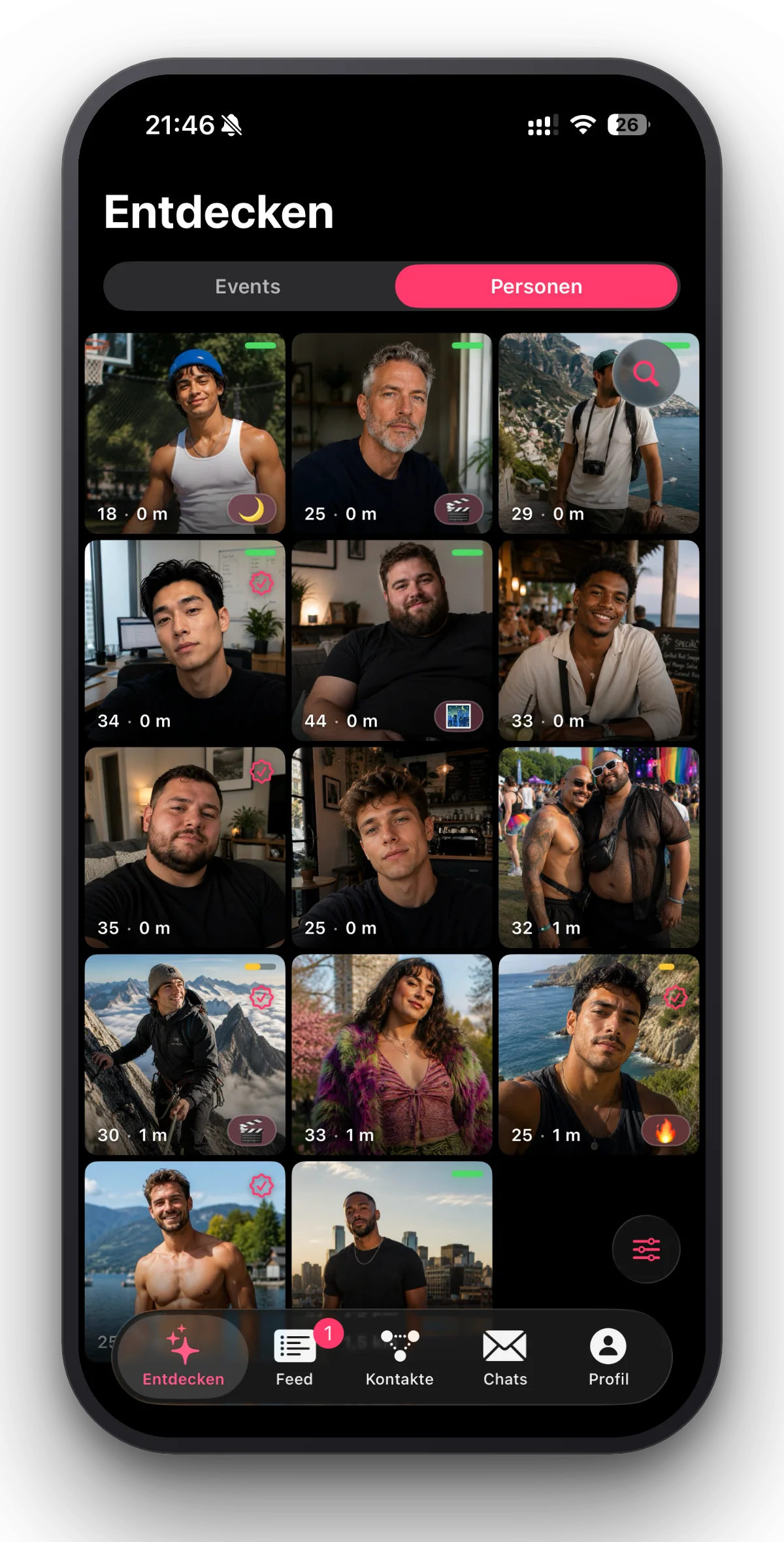
- Discover
- Profiles nearby, the closest first. Filters that actually work, with no premium wall in front.
- Status
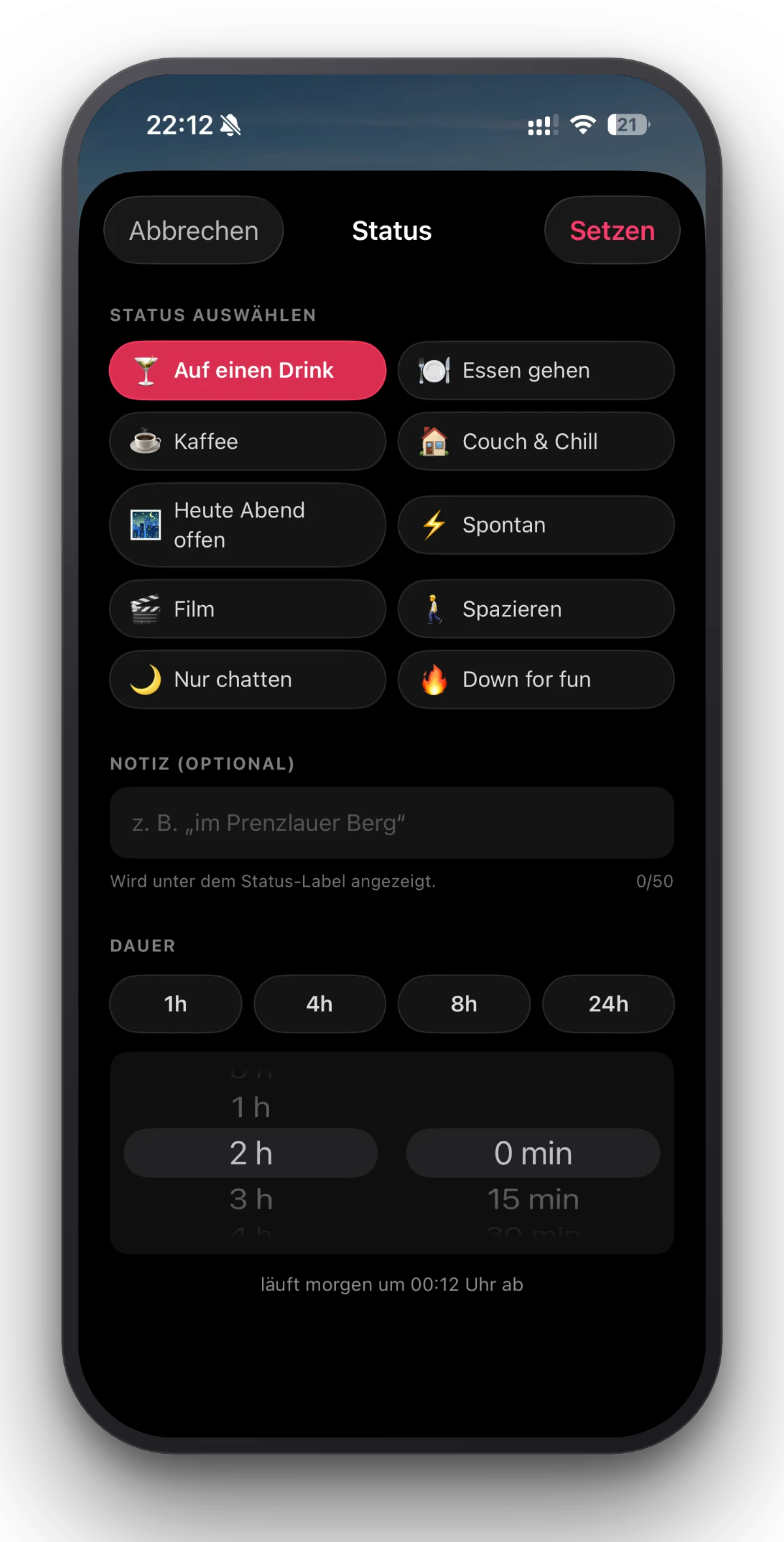
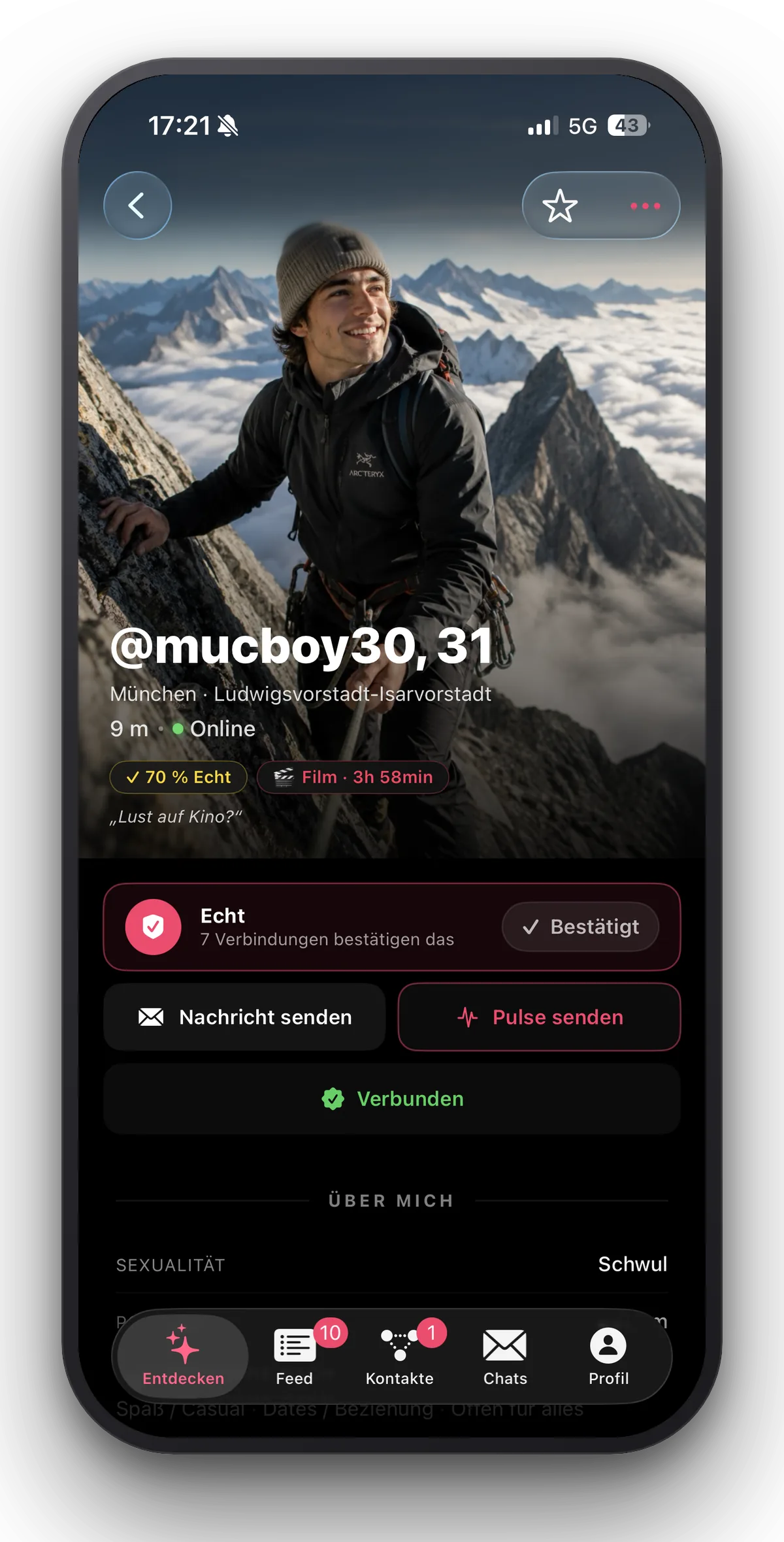
- Show what you are up for right now. Expires by itself after 1 to 24 hours.
- Pulse
- A short signal, without opening a chat.
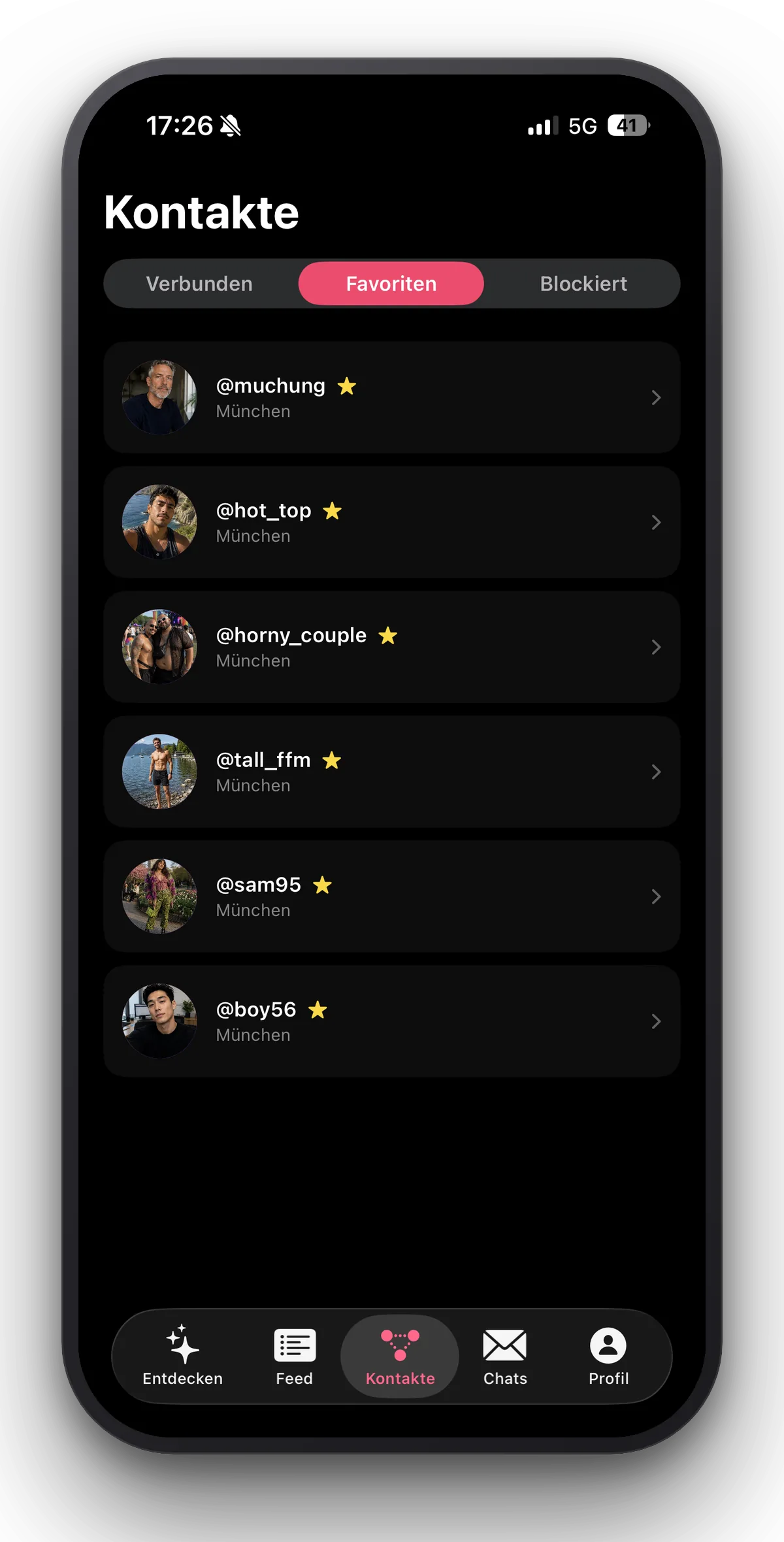
- Connections and favourites
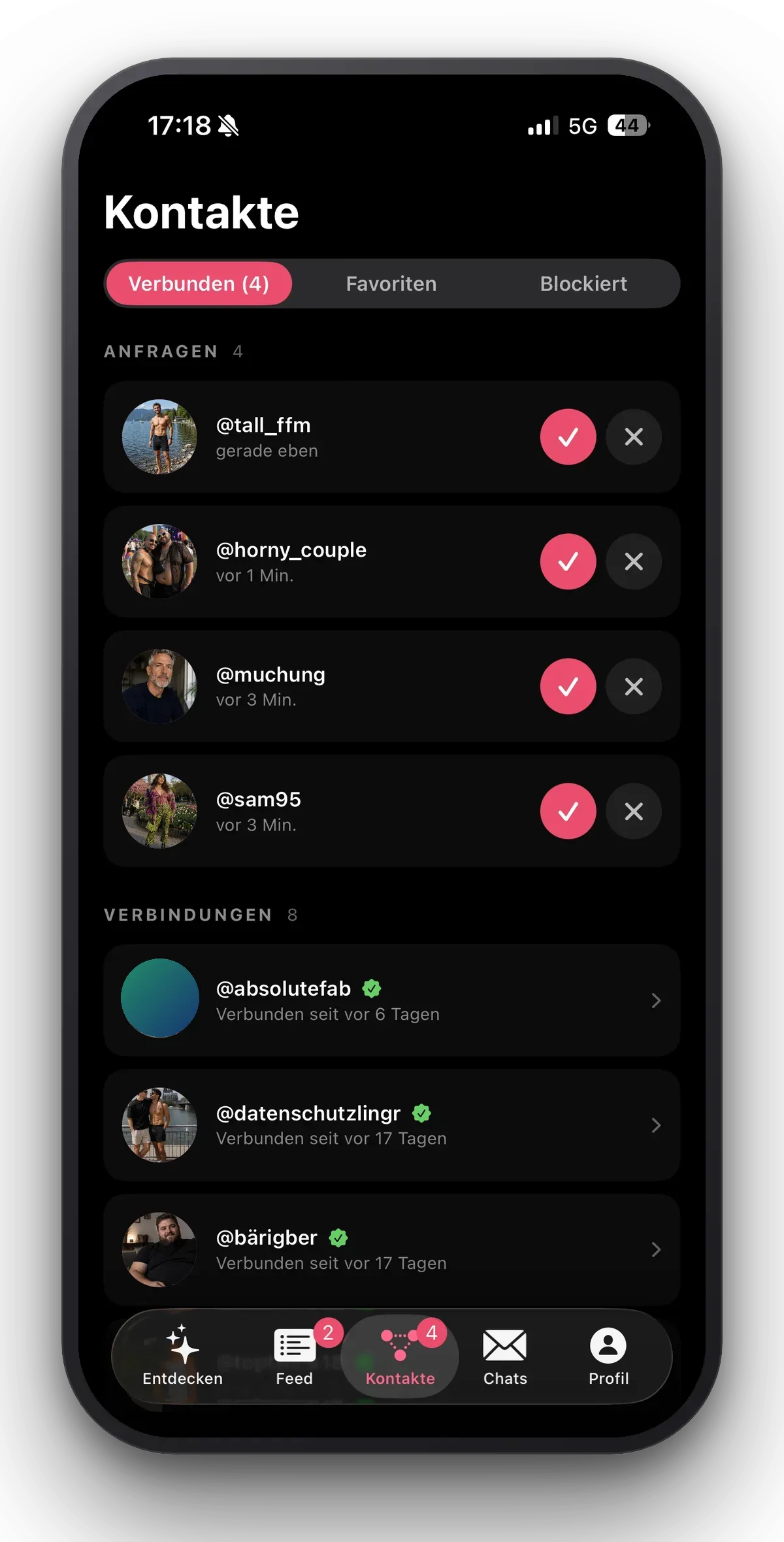
- Accept or decline requests with one tap, favourites for the contacts that matter most.
- Feed
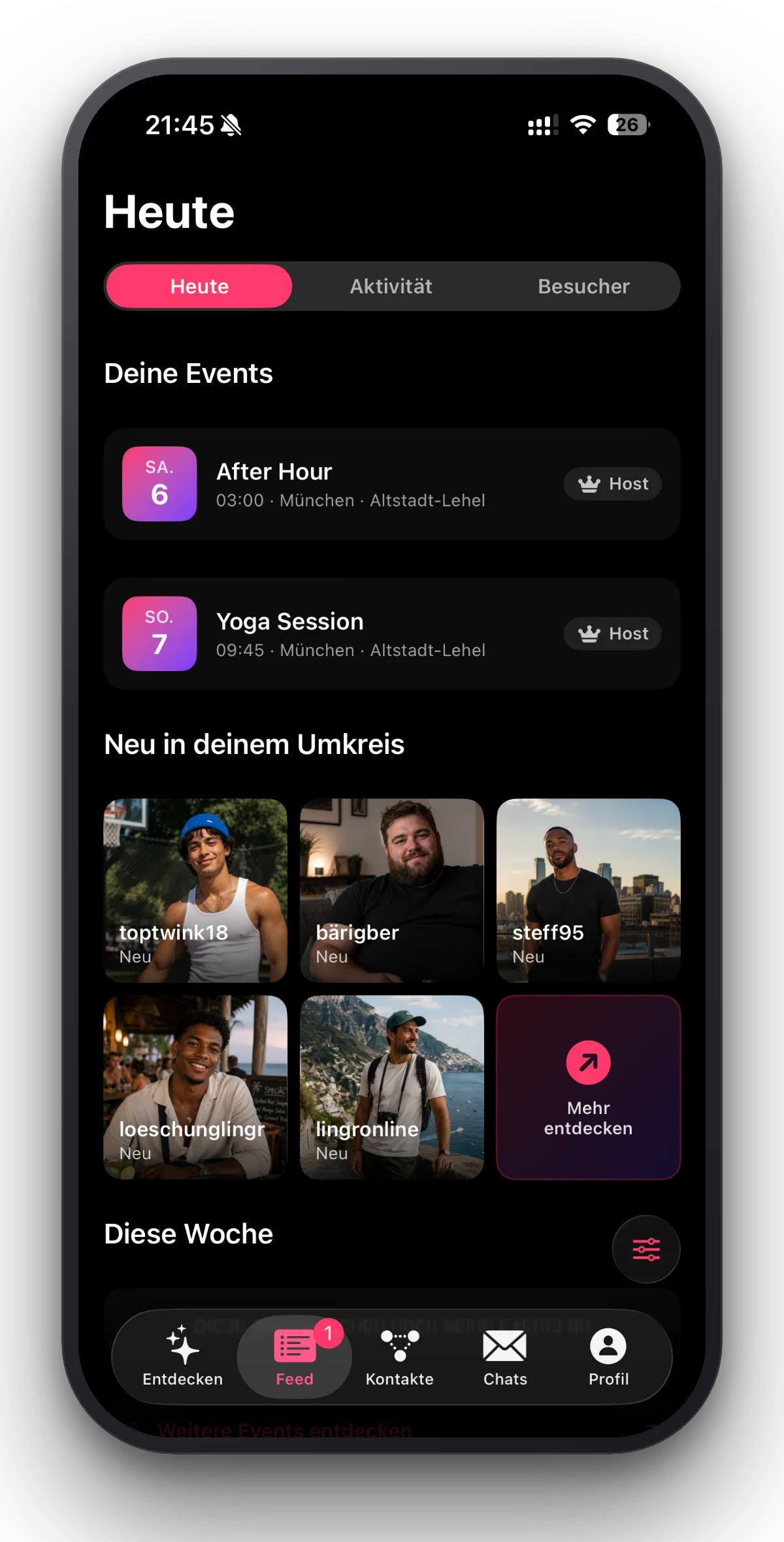
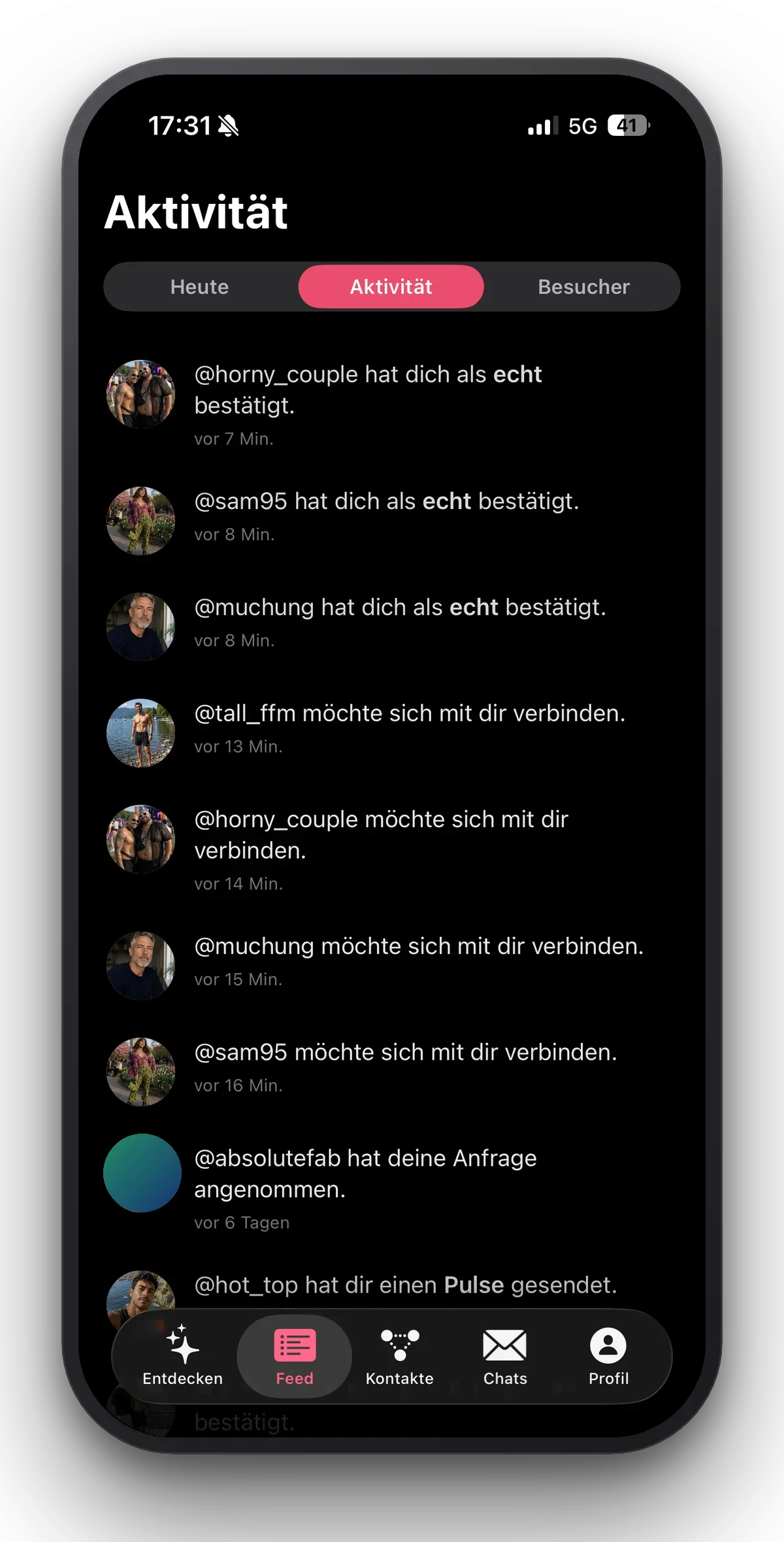
- What counts today: your events, new connections, confirmations, pulses, visitors.
Discover: profiles nearby, with filters that actually work.
Status: what you are up for, expiring on its own.
Pulse: a short signal – in the feed, next to requests and confirmations.
Connections: accept or decline requests with one tap.
Favourites: the contacts that matter, always on top.
Talking
Chat the way it should be
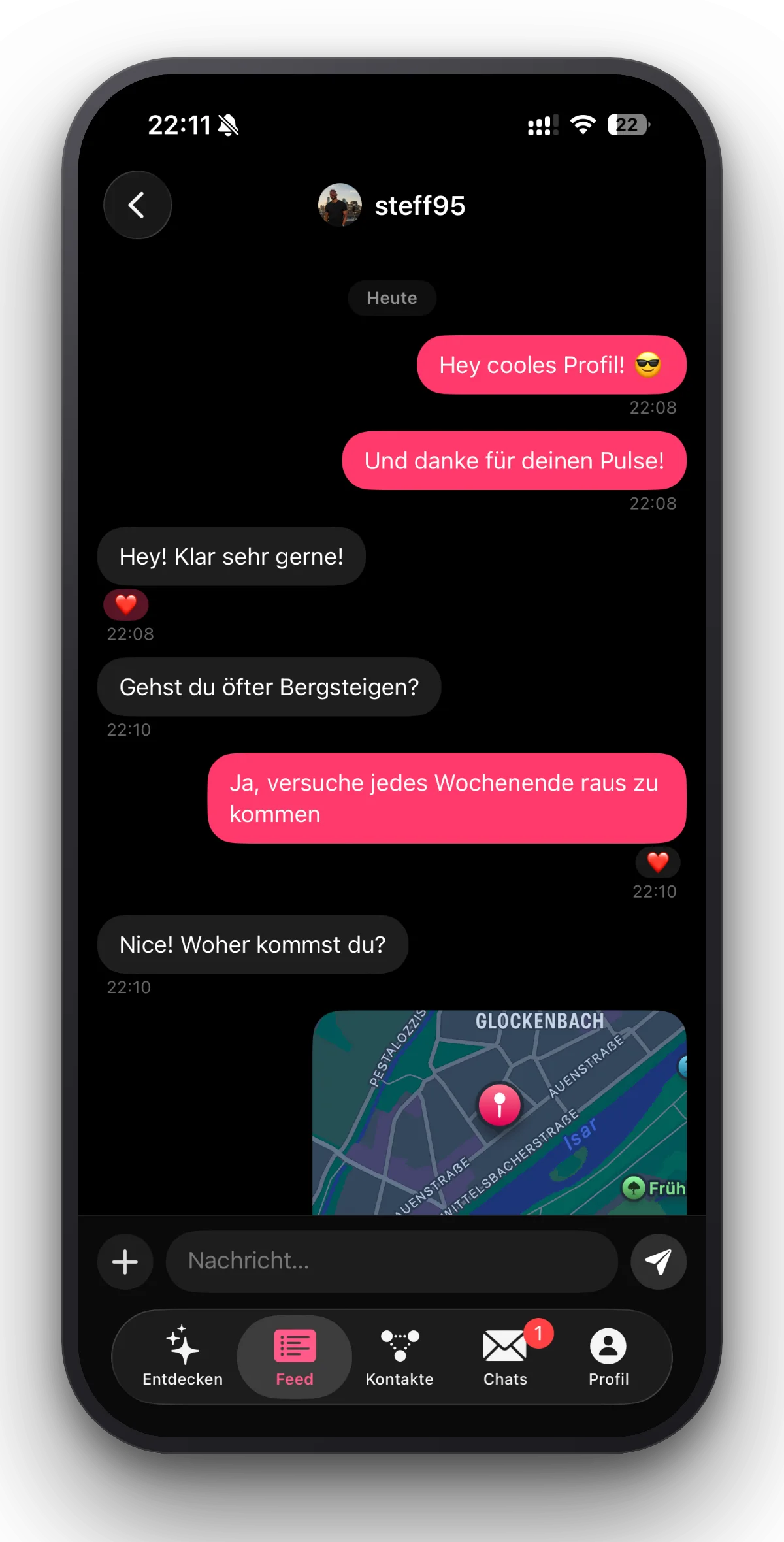
- Real-time chat
- Messages are there instantly – without reloading, and as a notification when the app is closed.
- Photos that disappear
- “View once” photos, plus a note when someone takes a screenshot.
- Location with an expiry
- Share it with a clear limit, then it is gone.
Real-time chat: messages with timestamps – and photos with a watermark.
Location with an expiry: share it with a clear limit, then it is gone.
Photos that disappear: view once, or gone when the time is up.
Your photos
You decide who sees which photo
- Public and private albums
- Public for everyone, private only for the people you pick. Visibility belongs to the album.
- Granting access one by one
- You open private albums individually: to connections and to people from the chat. Whatever you have granted, you can withdraw again at any time.
- Watermark
- Switchable per photo: recipients see it with a lingr watermark, so it does not travel on anonymously.
Public and private albums: visibility belongs to the album, not the picture.
Granting access one by one: a switch per person, off again any time.
Watermark: switchable per photo – recipients see it with a lingr watermark.
Your profile
The way you are seen
- Profile and Security Hub
- Photo, about-me details and status in one place – next to the preview, albums, editing and the Security Hub.
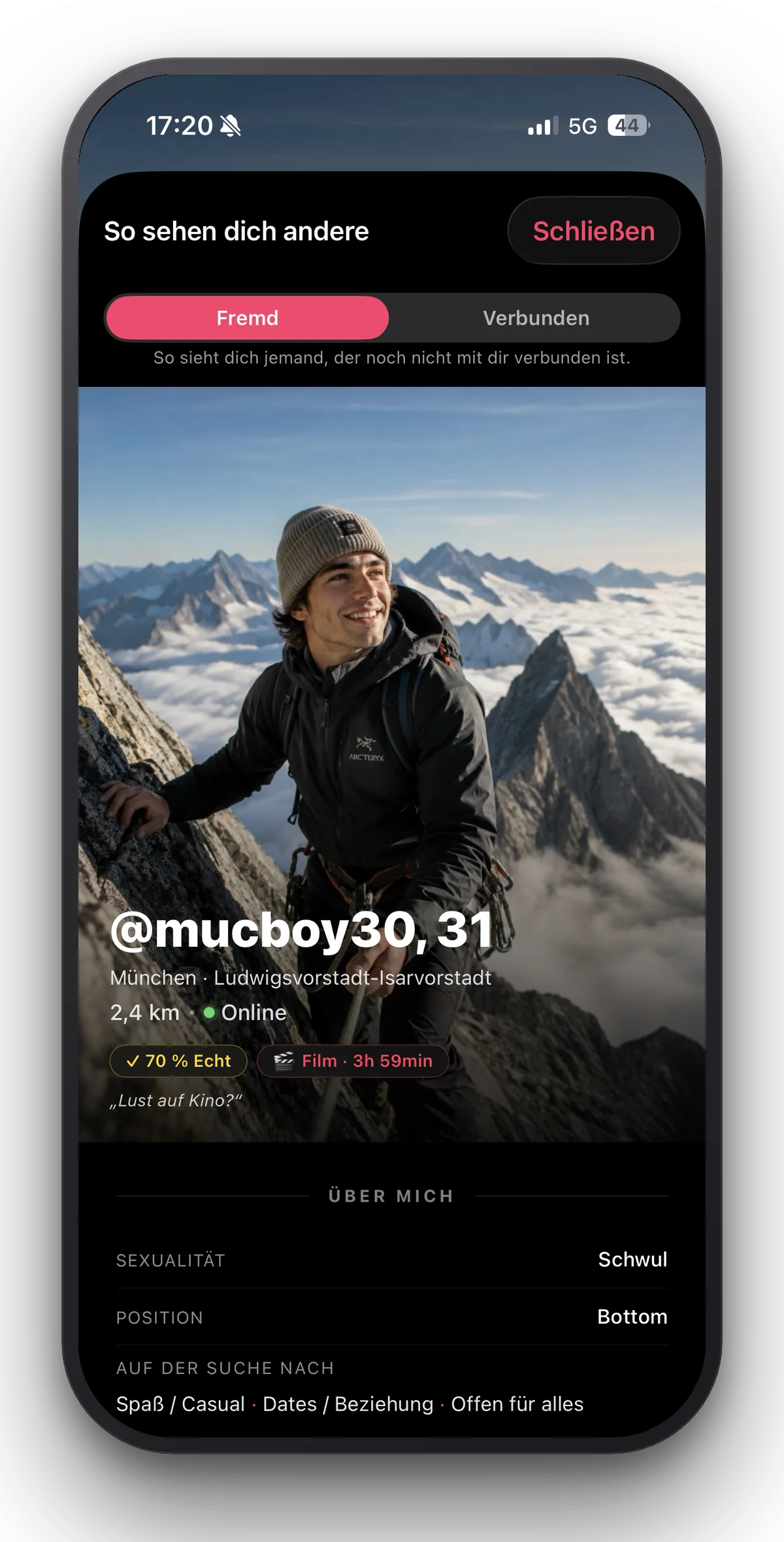
- Profile preview
- See your profile exactly as strangers or connections see it. No nasty surprises.
- Visitors
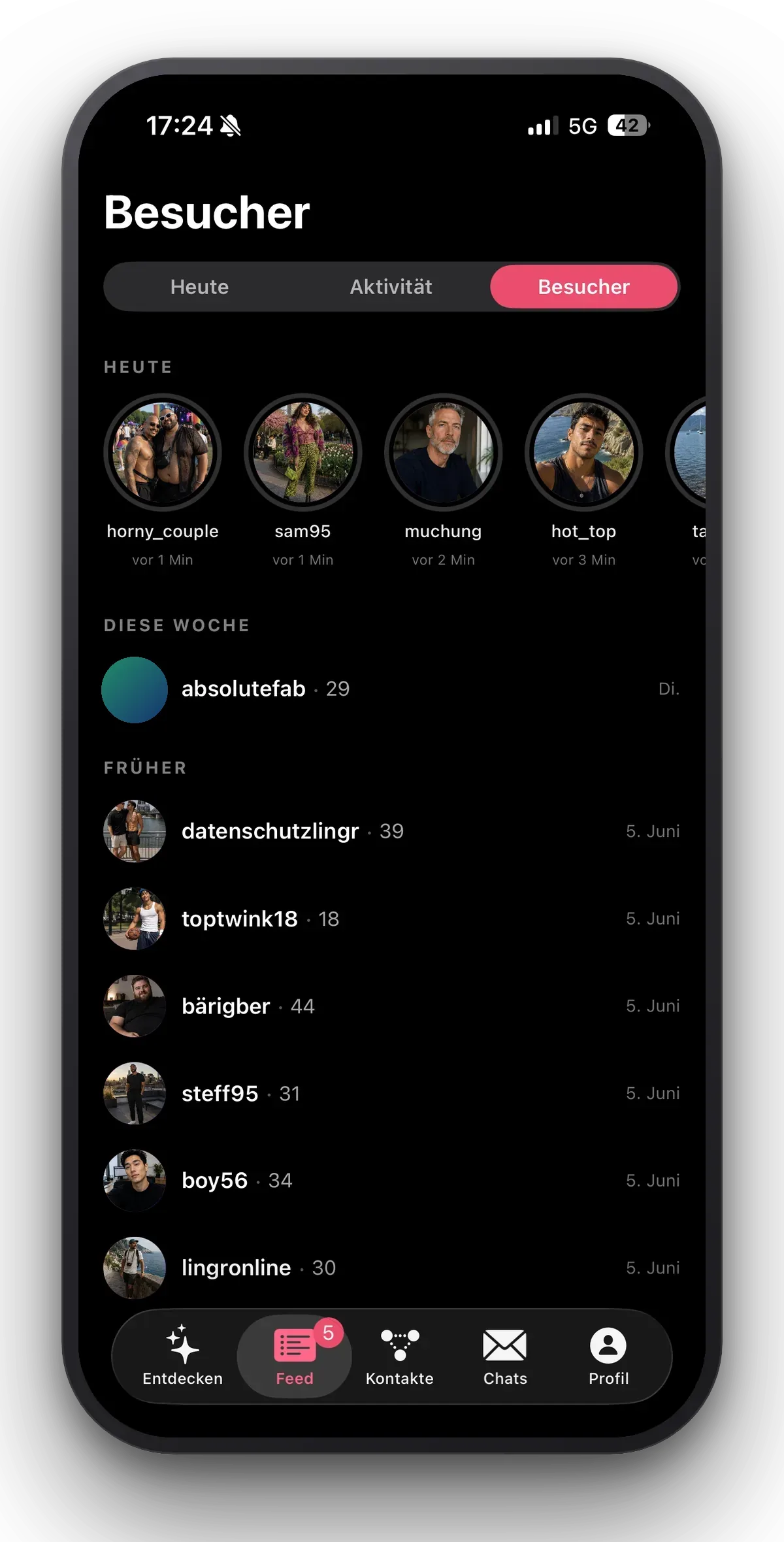
- Who was there, and when. With the time, no premium barrier – and you control whether you are visible yourself.
Profile and Security Hub: details, status and safety in one place.
Profile preview: exactly what strangers see.
Visitors: who was there, and when – with no premium barrier.
Privacy and principles
Built in from the start, not added later
What is built in
- No GPS for others
- Nobody ever sees your position – others only see the approximate distance, and you can hide that too.
- Blurred event map
- For private events the map shows a shifted point that cannot be uncovered. The real address arrives only once you are accepted.
- Hosted in Frankfurt
- Built to comply with the GDPR, no tracking pixels, no selling to ad networks.
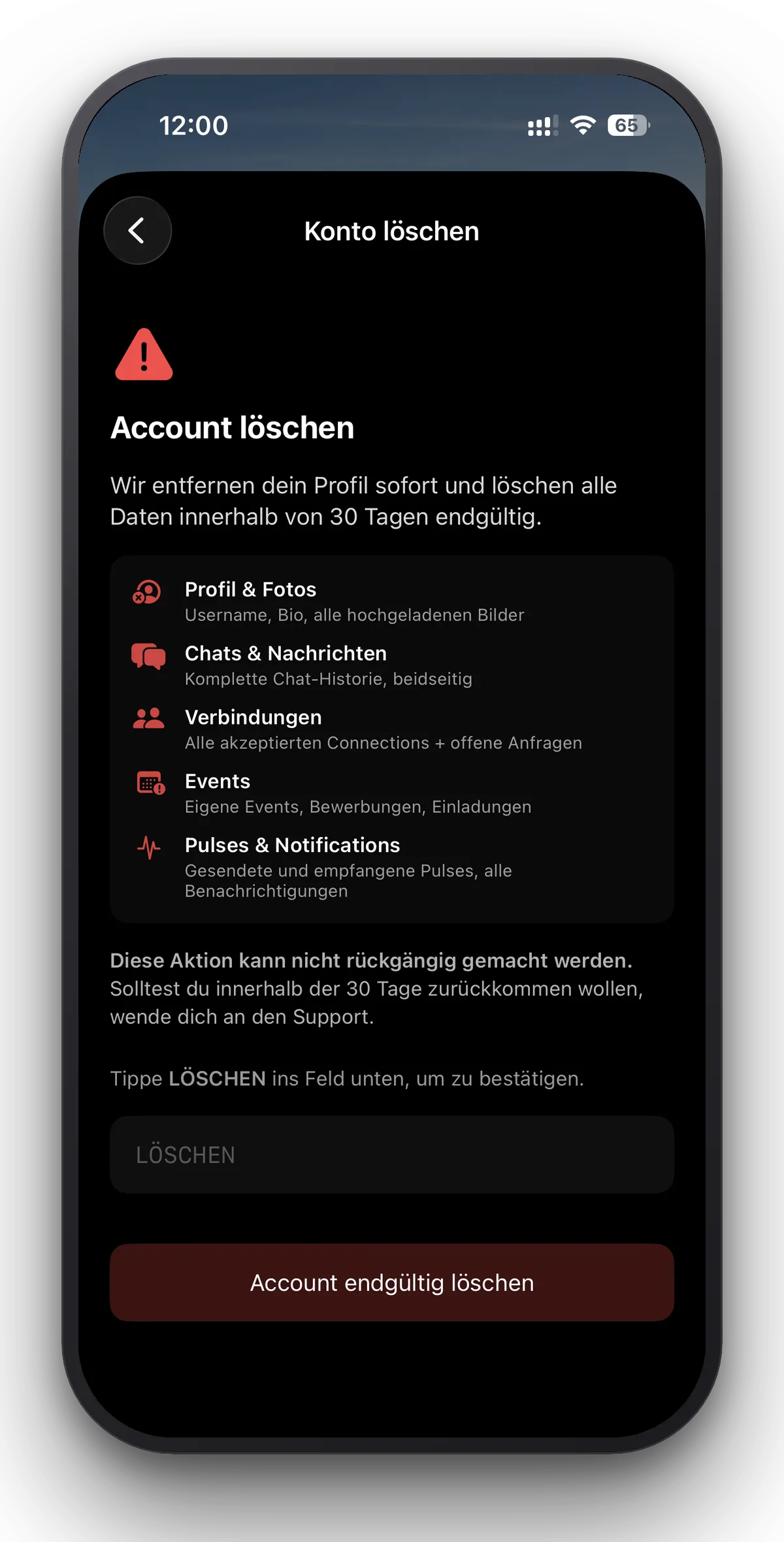
- Deleting means deleting
- After deleting you have 30 days to take it back. After that the account is gone. You can export your data at any time.
- Bilingual
- German and English as equals, in the app and here.
What lingr does not have
- No advertising
- No banners, no sponsored profiles, no interruptions.
- No premium wall
- Filters, visitors and albums are there, not unlocked.
- No tracking pixels
- No Meta script, no Google script, nothing passed to ad networks.
- No bots in the grid
- Confirmations come from people you are connected to, not from a checkmark you can buy.
- No design from 2014
- A native app in the current iOS look, not a website in a frame.
Join the waitlist.
We are launching city by city. When lingr starts where you are, you will be the first to know.
To the waitlist